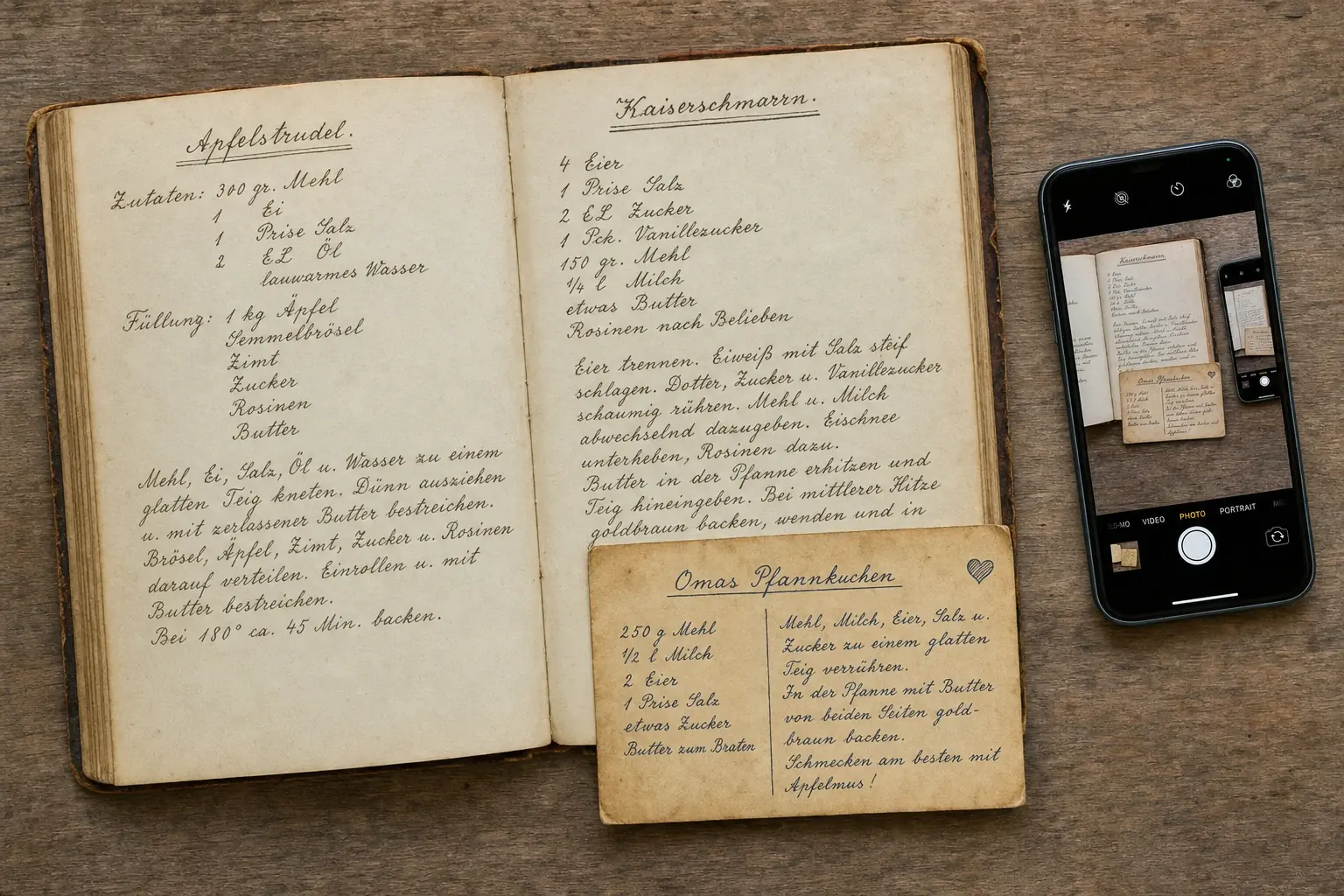
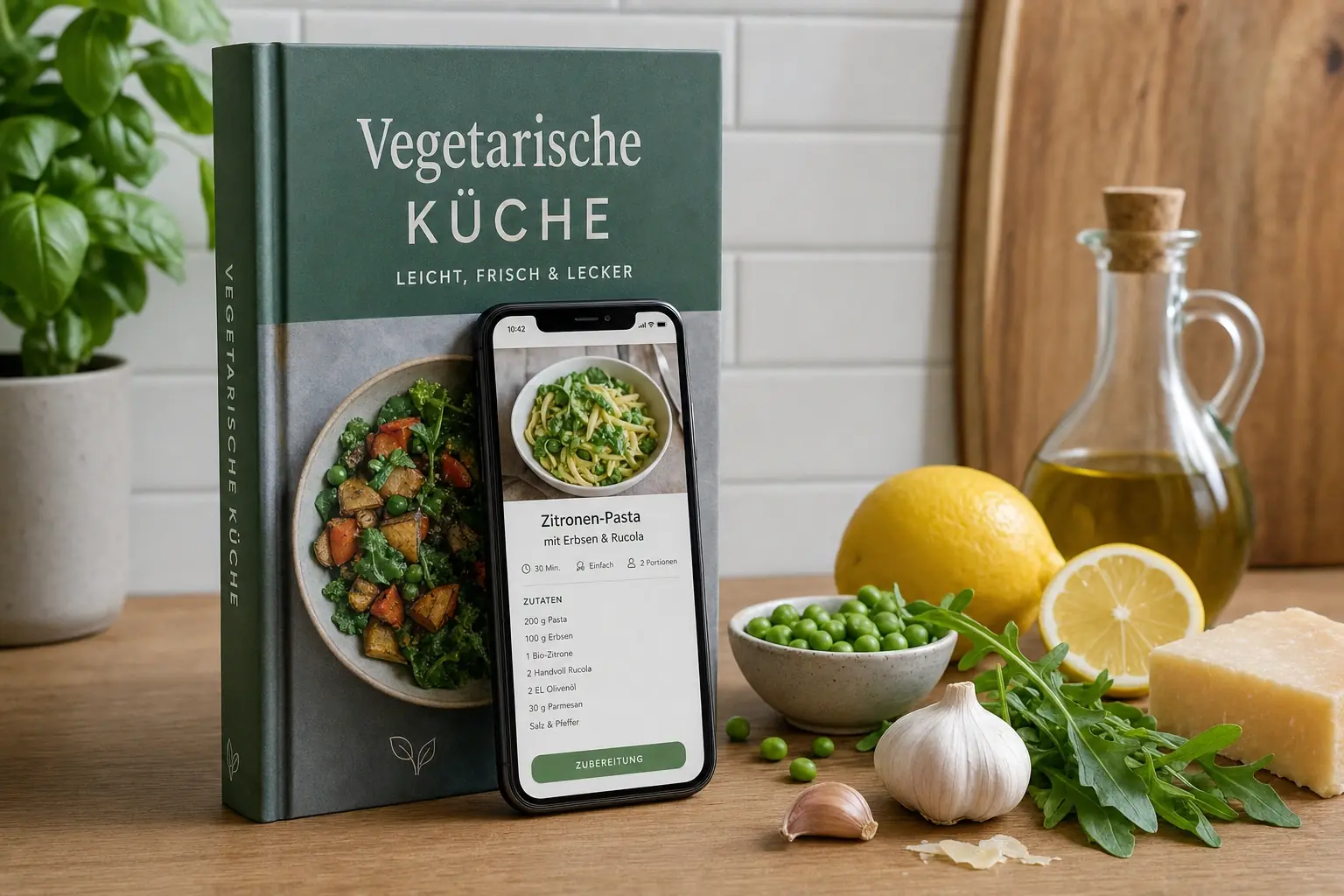
A saved video isn’t a cookbook. How a reel turns into a recipe with quantities, steps, and a shopping list, and where the process usually breaks down.
How do I save recipes from Instagram or TikTok?
The fastest way is the share function: share the post, paste the link into a cooking app, and it turns the post into a structured recipe with ingredients, quantities, and steps. Saving within the social app itself, by contrast, only creates a bookmark: no quantities, no search, no shopping list.
The key points:
- “Saved” on Instagram or TikTok means a bookmark, not a recipe.
- Importing through the share function creates a searchable recipe with an ingredient list.
- Most common problem: quantities only appear in the video or as on-screen text, not in the caption.
- Always check quantities, oven temperature, and cook times after importing; that’s exactly where mistakes happen.
Why isn’t the save function enough?
A saved reel sits in a folder you can only find again once you already know what you’re looking for. Four things are missing:
- Ingredients and quantities as a list: you have to rewatch the video and write it down yourself.
- Searchability: “that pasta thing with feta” isn’t a search term.
- Scalability: portions can’t be recalculated.
- A link to your shopping: the ingredients never make it onto a list.
A recipe import solves exactly these four points.
How does the import work, step by step?
- 1Open the post: a reel, TikTok, YouTube video, or Facebook post.
- 2Tap share and choose “copy link.” On Instagram, the option is behind the paper-plane or three-dot icon; on TikTok, behind the arrow.
- 3Paste the link into le’Chef. The app reads the caption, subtitles, and on-screen text and turns them into a structured recipe.
- 4Check and correct the result. Review quantities, temperatures, and times; this is where most errors happen.
- 5Save it and plan it in. The recipe lands in your cookbook and can be added to your weekly meal plan and shopping list.
le’Chef supports importing from Instagram, TikTok, YouTube, and Facebook.
Kitchen Tip
Import a recipe the moment you come across it, not later. Posts get deleted, accounts go private, videos get taken down. An imported recipe lives in your cookbook and stays there, even after the original disappears.
Why does an import sometimes fail?
| Problem | Cause | What helps |
|---|---|---|
| No quantities recognized | Quantities only spoken or shown on screen | Add them in from the video |
| Only ingredients, no steps | Caption lists ingredients only | Type in the steps briefly yourself |
| Wrong serving size | Not stated in the original | Set the serving count manually |
| Import fails | Private account, deleted post | Paste the text in manually |
| Ingredients in cups | US source | Convert: 1 cup = 240 ml, 1 tbsp = 15 ml, 1 tsp = 5 ml |
The most common case is the first one: short videos often show quantities only as on-screen text. Software can’t read what isn’t in the text; a quick look at the video and two corrected numbers fix it.
What about copyright?
Recipes themselves (the plain sequence of ingredients and steps) are generally not protected by copyright, since they lack the necessary level of creative originality. What is protected, though, is the specific wording, the photos, and the videos.
In practice, that means: importing a recipe for your own, private use is unproblematic. Publicly redistributing imported recipes along with the original text or images, on the other hand, moves into protected territory. When in doubt: use it privately, don’t republish it.
How well can you import from each platform?
| Platform | Recognition | Why |
|---|---|---|
| YouTube | very good | detailed descriptions, often a complete ingredient list |
| good | the caption usually contains the recipe | |
| good | longer text posts are common | |
| TikTok | mixed | short captions, quantities often only in the video |
Rule of thumb: the more text under the post, the more complete the import. Short videos with three lines of caption and hashtags inevitably deliver less.
What if the recipe only exists in the video?
Then the manual route is what’s left, but it’s shorter than it sounds:
- 1Watch the video once all the way through, noting only the ingredients, not the steps.
- 2Copy the quantities from the on-screen text. Pause the video wherever the numbers appear.
- 3Jot the steps down as keywords: five to eight lines are enough for most dishes.
- 4Save it as your own recipe. After that, it’s available to you like any imported recipe: searchable, scalable, plannable.
Good to Know
With videos from US creators, watch the units. Cups, ounces, and Fahrenheit show up as a matter of course there. The kitchen converter in le’Chef handles this for you: 1 cup = 240 ml, 1 tbsp = 15 ml, 1 tsp = 5 ml.
Frequently asked questions
Can I automatically save recipes from Instagram?
Yes. Using the post’s share function, you copy the link and paste it into a cooking app with an import feature. The app reads the caption and subtitles and builds a recipe with an ingredient list and steps from them. le’Chef supports Instagram, TikTok, YouTube, and Facebook.
Why doesn’t the import recognize any quantities?
Because they aren’t present as text in the post. Many short videos show quantities only as on-screen text or say them out loud. Anything that isn’t in the caption or subtitles can’t be read automatically; you add those details by hand after importing.
Does the import work with private accounts?
No. Posts from private accounts can’t be accessed without logging in, so no service can read them. In that case, the only option is to copy the recipe text manually and save it as your own recipe.
How do I convert American cup measurements?
One cup equals 240 milliliters, one tablespoon 15 milliliters, and one teaspoon 5 milliliters. For flour and other dry ingredients, the conversion is imprecise, because weight depends on how densely packed the ingredient is; for those, it’s worth looking for a gram measurement instead.
Am I allowed to share imported recipes with others?
For private use, importing is unproblematic, since the plain sequence of ingredients and steps generally isn’t protected by copyright. The specific wording, along with photos and videos, very much is, though. Publicly redistributing that content without permission isn’t allowed.
Sources
Keep reading: Digitizing a cookbook · AI in the kitchen · all features in the feature overview